The science
Check your print against NASA JPL
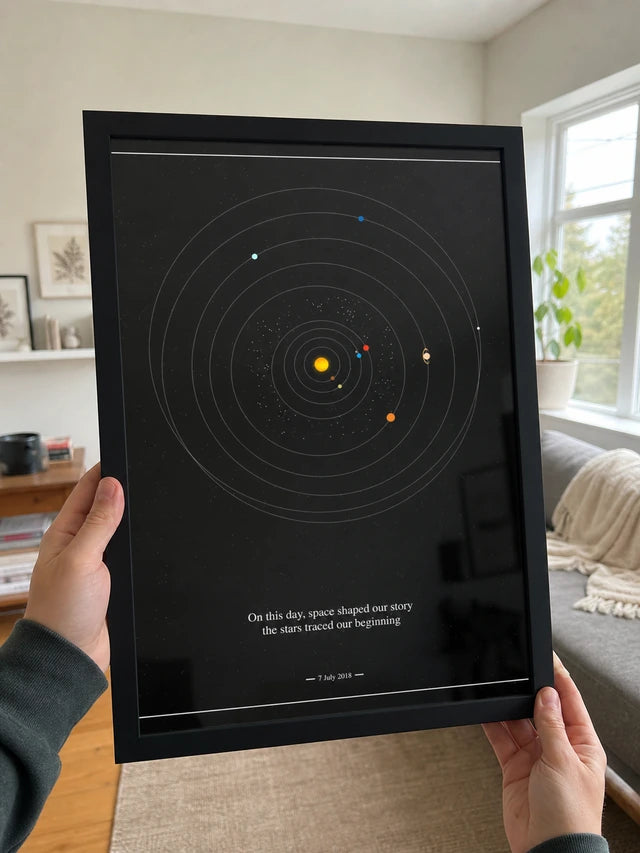
Enter the date on your print. NASA's own Solar System Simulator draws that day, and we lay your print on top. Drag across to compare.
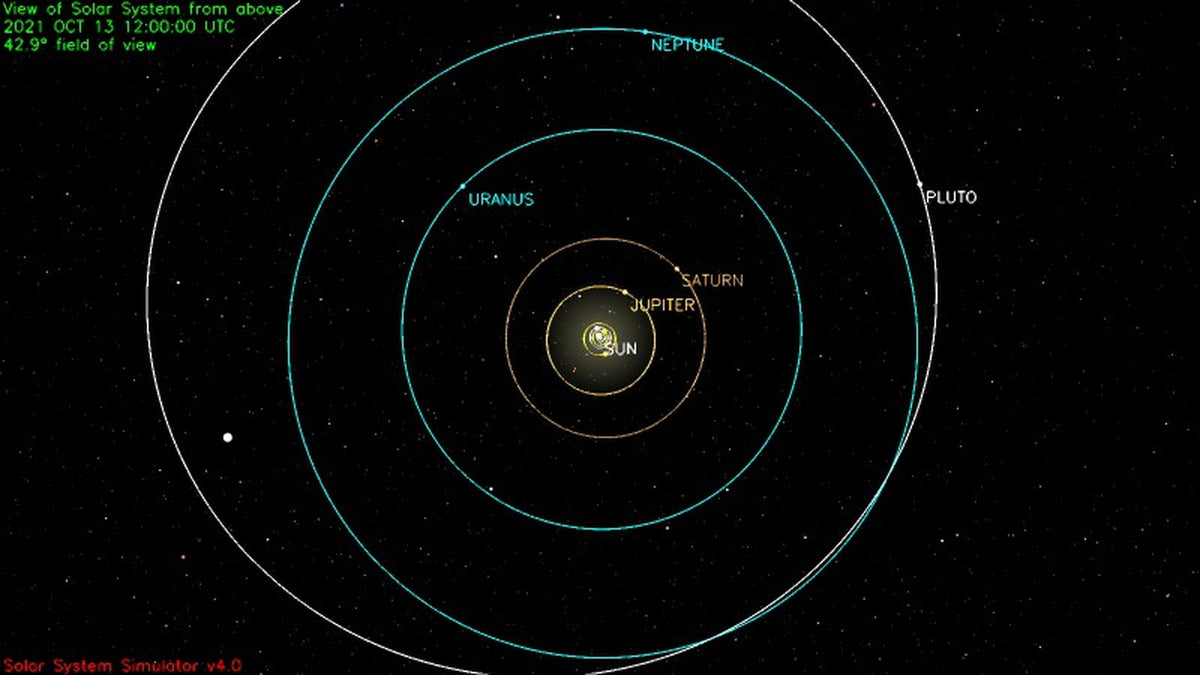

Drag across. Every planet sits in the same direction from the Sun on both. Pick a planet to line it up exactly.
See this picture on NASA's siteCheck it on NASA's website yourself
Open NASA JPL's Solar System Simulator, set these values in its form, then press Run Simulator. NASA draws your date, just like the picture above.
Open NASA's simulatorNASA's form only lists the years 1970 to 2050, so for , use the link under the picture: See this picture on NASA's site.
- Show methe Solar System
- as seen fromabove
- On Oct 13, in the year 2021
- at12 : 00 UTC
- Field of View I want a field of view of 60 degree(s)
- Optionsorbits
Where the positions come from
Each planet is calculated from NASA JPL's published orbital data, for noon (12:00 UTC) on your date.
What lines up
Each planet's direction from the Sun. On a 16x20 print, every planet is within half a millimeter of NASA's position, for any date from 1900 to 2050.
Why the rings look different
NASA draws true distances, so the inner planets crowd the Sun. Your print spaces the rings evenly so all nine worlds fit.
No print yet? Design your date